The CEPI Canvas Hub
The Canvas site where SFBU faculty find CEPI’s guide, tools and recordings.
What It Is
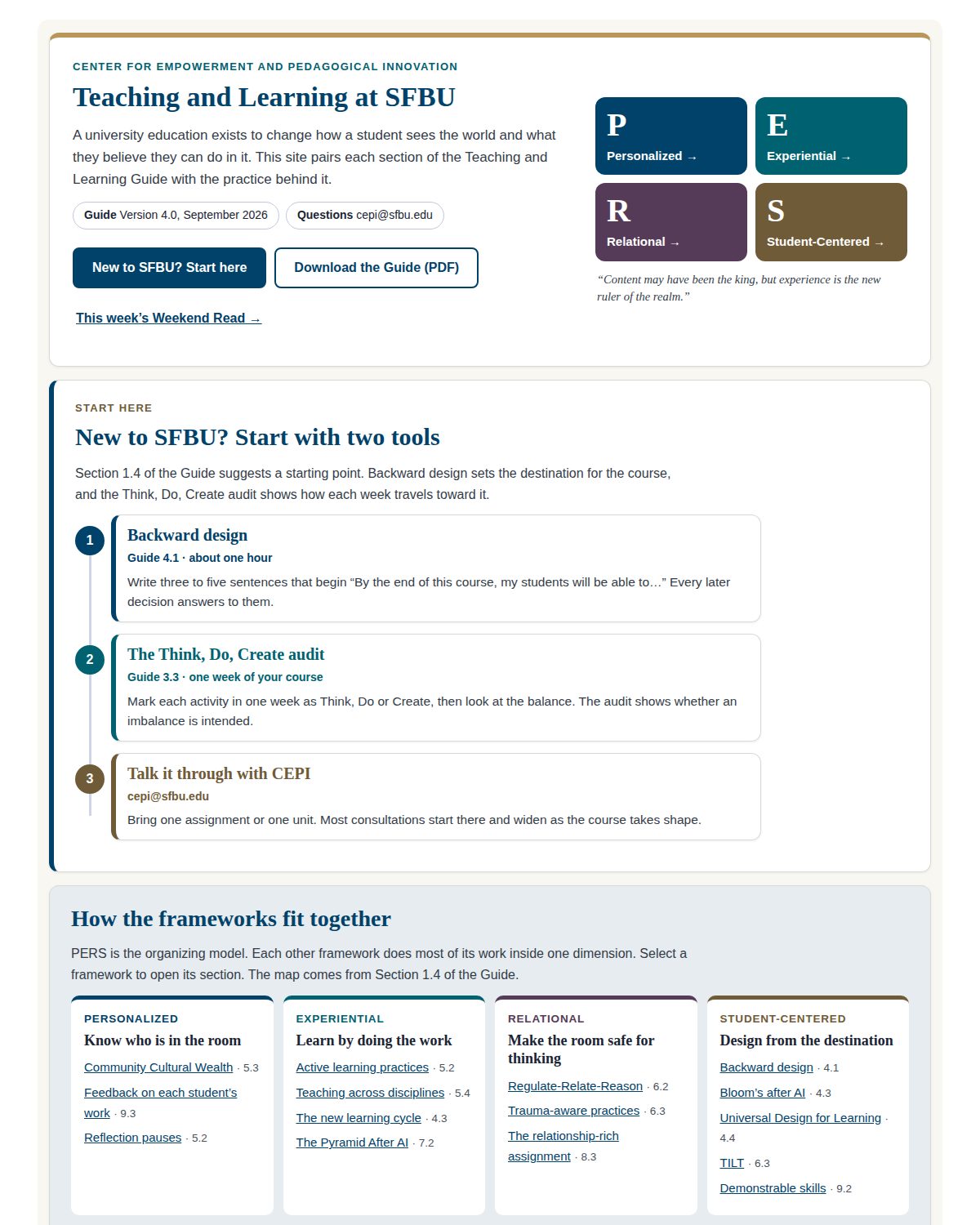
The Hub is where SFBU faculty find CEPI’s resources. When I audited the old site, it held 87 pages, and 26 of them could not be reached from anywhere. New faculty did not know where to begin.
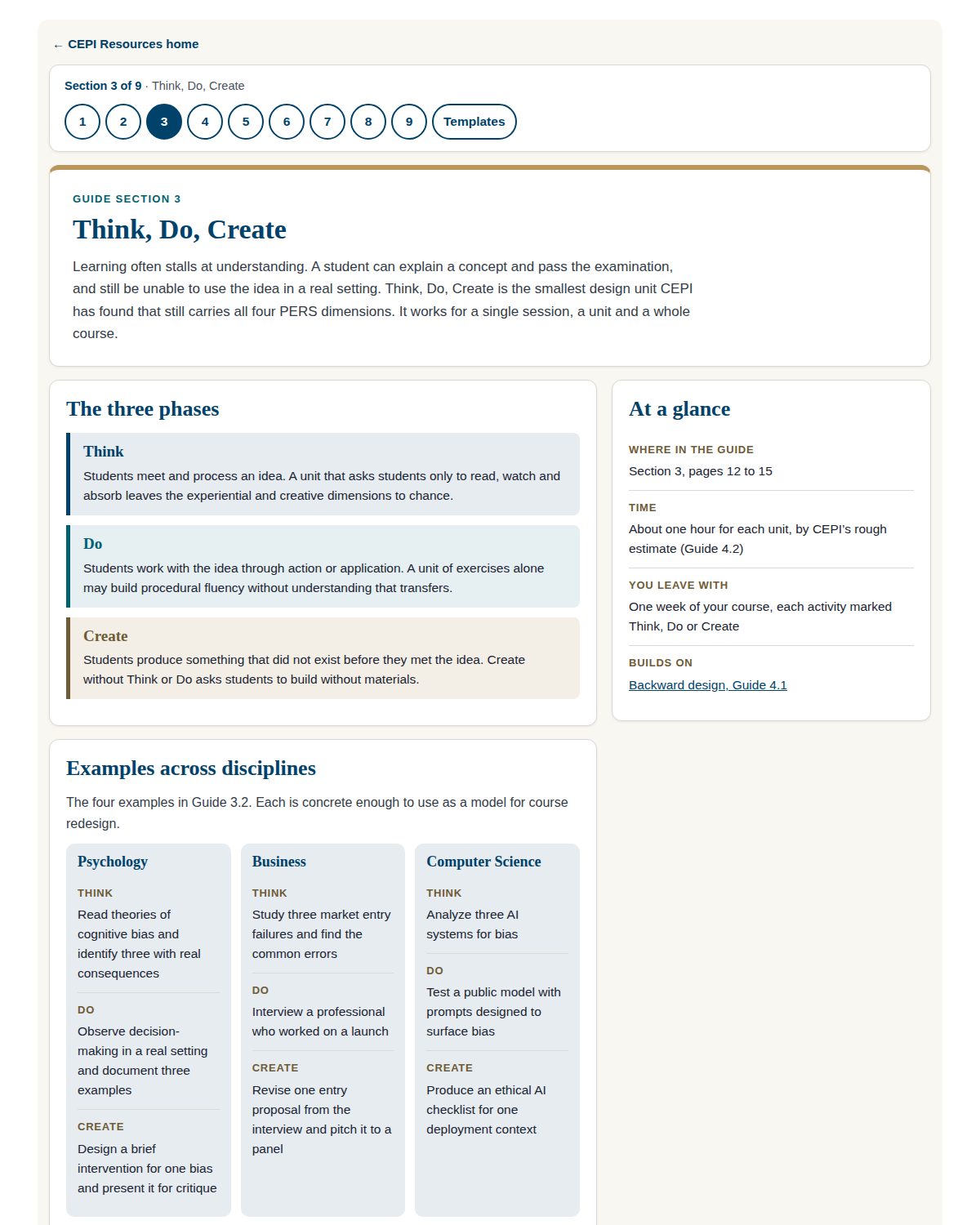
The rebuild follows the nine sections of the Teaching and Learning Guide. The home page opens with the four PERS qualities and a short path for new faculty: two tools and a conversation with CEPI. Each section page shows where the section belongs in the guide, how long it takes and what you leave with. Examples from four disciplines follow.
The Hub in the Pro+ Style
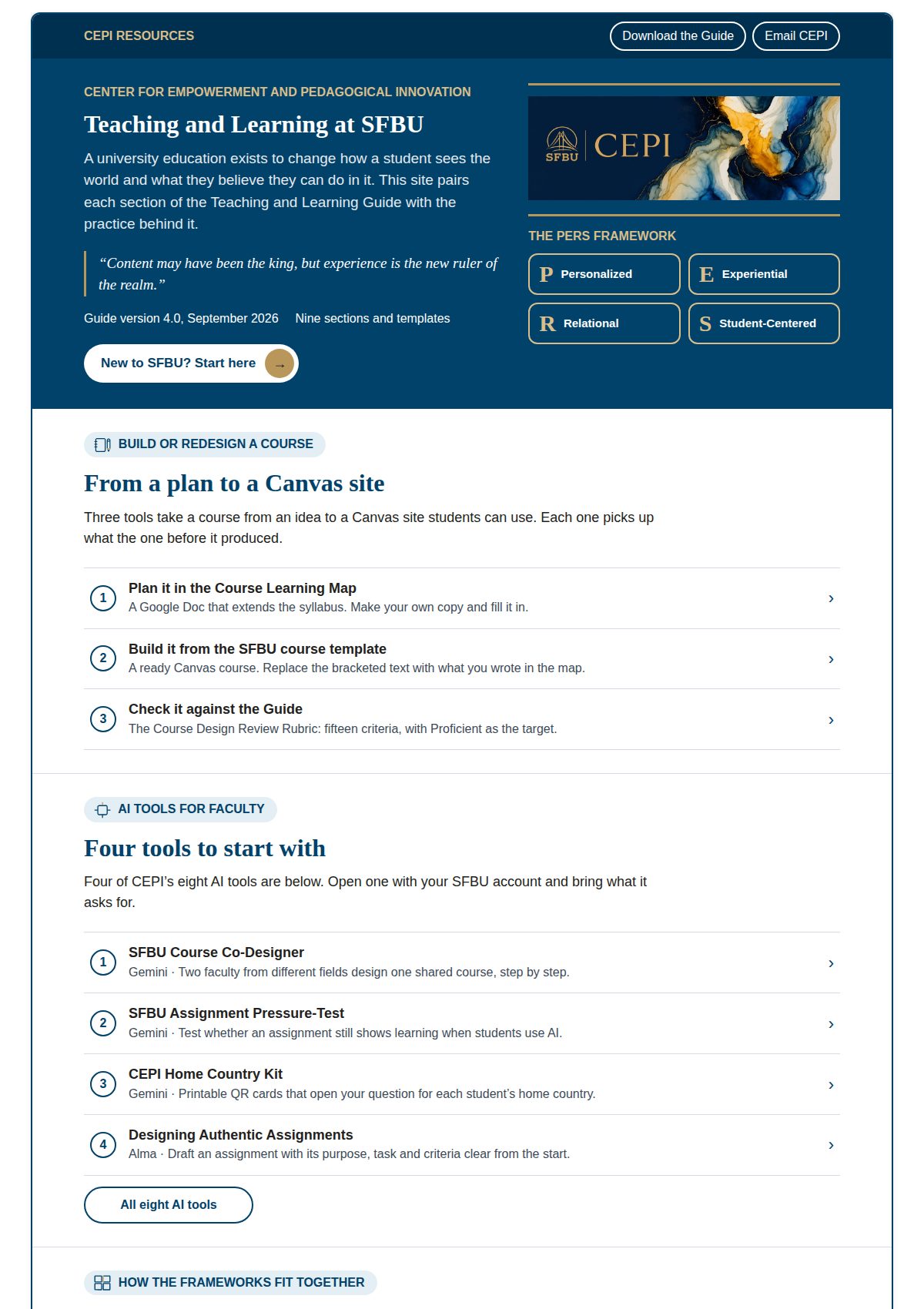
I also tested a darker Hub home page in the visual style of the Pro+ courses. This version puts course building first. A faculty member plans the course in a Course Learning Map and builds it from the SFBU course template. Then they check it against CEPI’s course design rubric.
Below that path sit the AI tools CEPI has built for faculty. One helps two faculty design a shared course. Another tests whether an assignment still shows learning when students use AI.
On a Phone
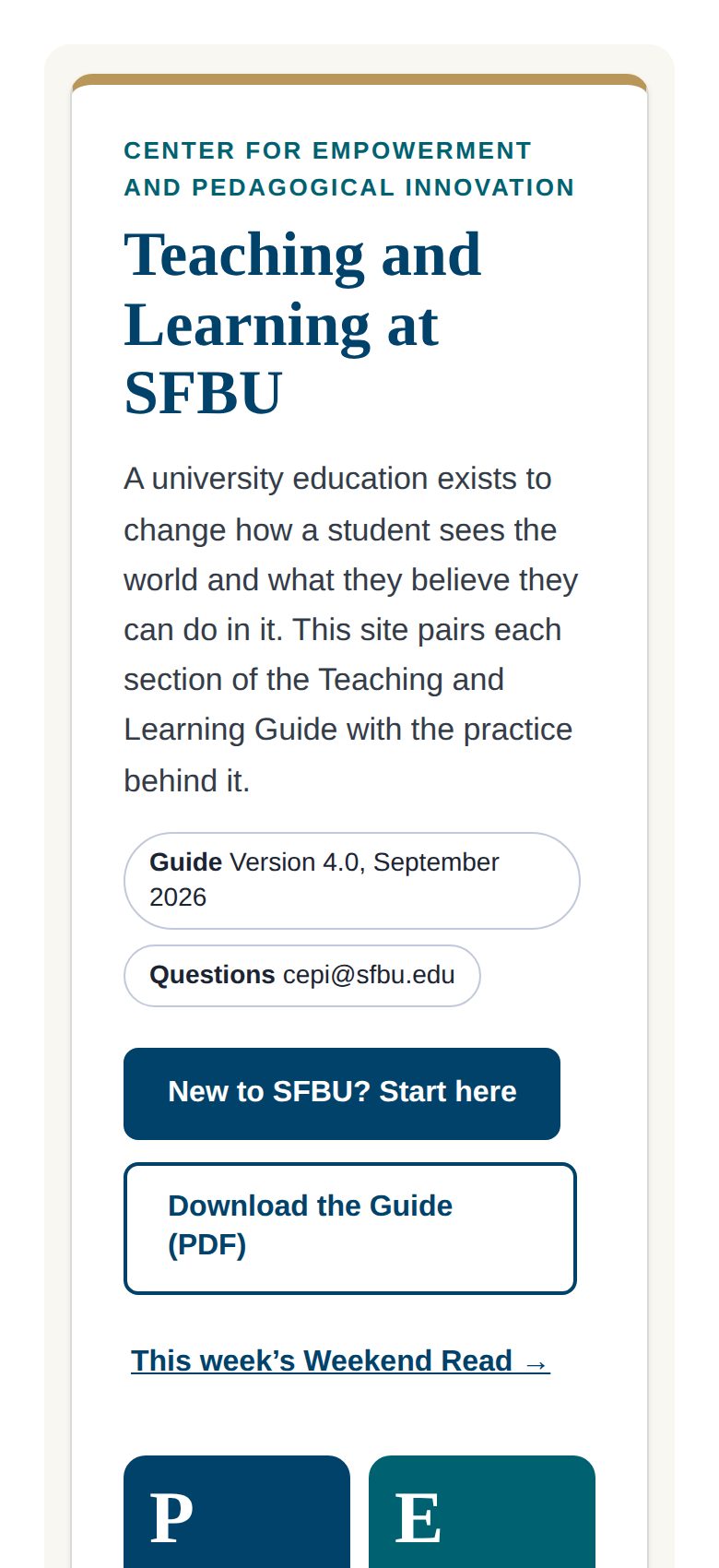
Many faculty open the Hub on a phone between classes. The home page stacks into one column, with large buttons near the top.
Related Work
The Hub is for working: templates, tools and recordings faculty use while they build a course. The CEPI Website is for reading, and both follow the Teaching and Learning Guide.